
Interactive 3D maps for your screens and kiosks.
Turn any kiosk or screen into a directory people understand at a glance: a 3D map of your venue, a 'You are here' marker, place search and step-by-step routes. You design it yourself in the visual editor — no developer needed — and it speaks each visitor's language.
What it includes
3D venue map
Buildings, floors and units in a navigable 3D view. Visitors pan, zoom and switch floors with a finger.
'You are here' & how to get there
Kiosk location marker and a step-by-step route to any place, with the directions written out one by one. The route itself says whether it is the shortest, whether it is step-free, and whether it avoids lifts and escalators.
Place finder
Category directory with search: shop, restroom, parking or restaurant in two taps.
In every visitor's language
The map is shown in eight languages, and the names and descriptions of your places are translated at the press of a button. No translator to hire.
Visual editor
Draw floors, drop places and icons, and publish. No code, no developer dependency.
Looking like your venue
Choose the colour, style and animation of the route line, turn the surrounding 3D buildings on or off, and upload your own 3D models to place on the map.
See how it’s done, step by step.
Two short tutorials, recorded in the real RDS panel: first you build the map, then you publish it to your screens.
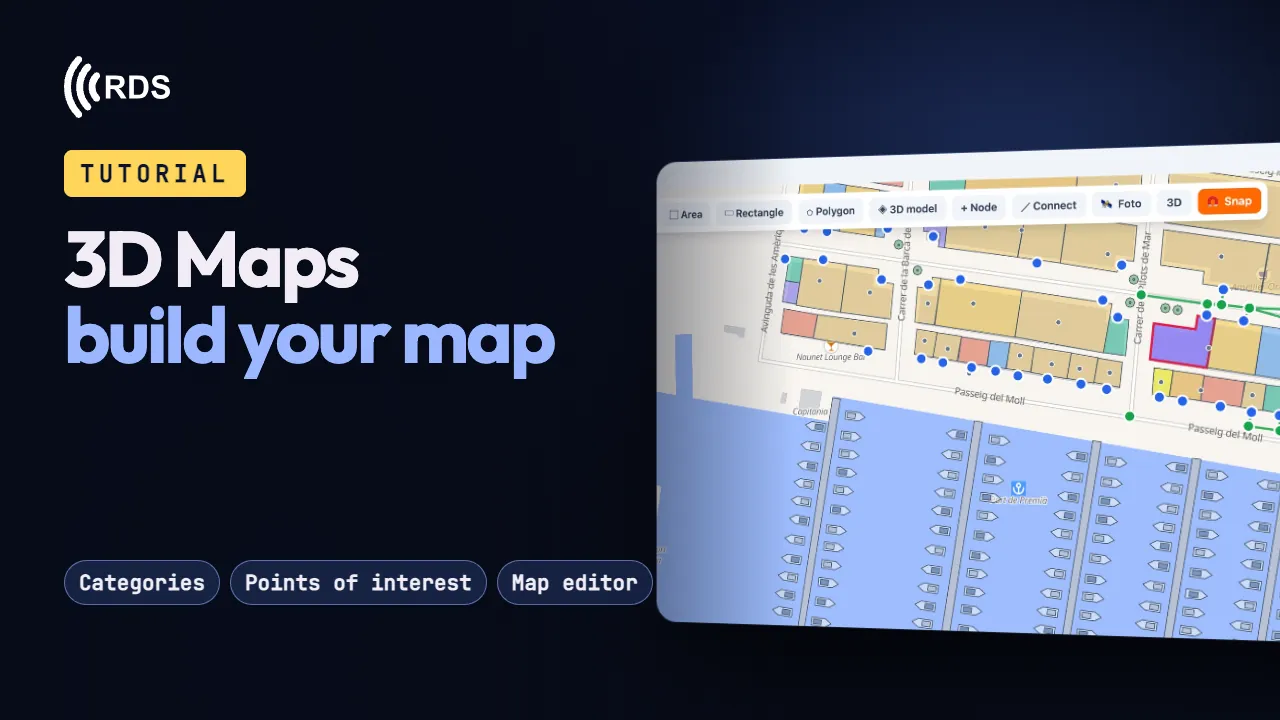
Build your map
Categories, places in eight languages, the map editor and a “You are here” for each kiosk.
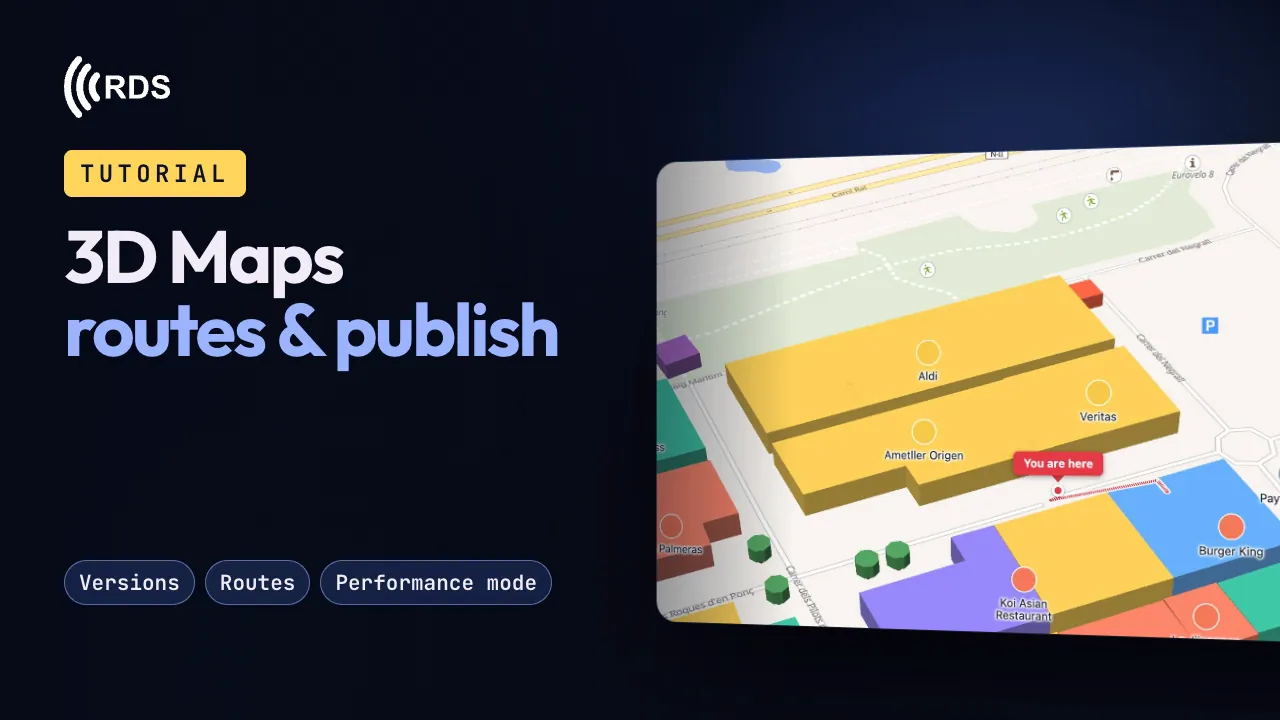
Routes & publish
Versions, what visitors see, step-by-step routes, performance mode and putting it on a screen.
The videos load from YouTube, in privacy-enhanced mode, only when you press play. Cookie policy
Visitors ask. The map takes them there.
On the kiosk or on their phone, a visitor taps “Ask me” and picks a suggested question — “Vegan options”, “Something for kids”, “Where can I eat quickly?” — or, if the venue allows it, types their own. They get a short answer listing the places that fit.
- Only your venue's informationIt answers from the places, categories, descriptions, tags and opening hours you have published. It only links to places that exist on your map, and when nothing fits, it says so.
- From answer to routeEvery place in the answer has “Show route”: one tap and the map draws the step-by-step route from the kiosk.
- In their language, no personal dataIt replies in the language the visitor picked on the map. Typed questions are not stored.
In the editor you choose the suggested questions and whether visitors may type their own; the assistant is switched on venue by venue.


Also new in 3D Maps

Continue on your phone
An always-visible “Open on your phone” button shows a QR code. The visitor scans it and carries on on their own phone with the same place and, if a route was on screen, the same route.

Video on the place card
Alongside the photo, each place can carry a video. You decide whether it plays with sound or muted, and whether it starts by itself when the card opens; visitors get a button to turn the sound on or off.
Your map speaks the language of whoever is looking at it.
A visitor who cannot read the language on your kiosk simply turns around. You write the labels once, in your own language, and one button fills in the rest — the whole venue at once, or a single field from a place's card. AI does the translating; you keep the last word.
You write it once
Place names and descriptions, category names, floor names: you write them in your language and that is that.
Eight languages
Spanish, Catalan, English, French, German, Italian, Portuguese and Russian. Each visitor picks theirs on the map itself.
You see it before it happens
Before anything is written, one button shows you exactly what would be translated and what would be left alone.
Your words stay yours
Anything you wrote by hand is never overwritten, and you can correct any translation. Brands and proper names are left exactly as they are.
You design it, in minutes


Getting started is quick
Create your account and enable 3D Maps
Sign up for RDS and enable the add-on. 10-day trial: you add your card up front, but nothing is charged during the trial.
Design your map
Upload your floor plan, mark the places and customise icons and categories in the visual editor.
Put it on your kiosk
Full-screen kiosk mode pointing at your map. It updates itself, no need to touch the device.