TUTORIALS · ONE MINUTE PER TOPIC

Learn RDS in one-minute videos.

Fifteen short tutorials, recorded in the real RDS console: from pairing your first screen to the 3D Maps and Digital Menu add-ons. Pick a topic and press play.

Getting started

Install the app on your screen and link it to your account.

Tutorial · 1:11

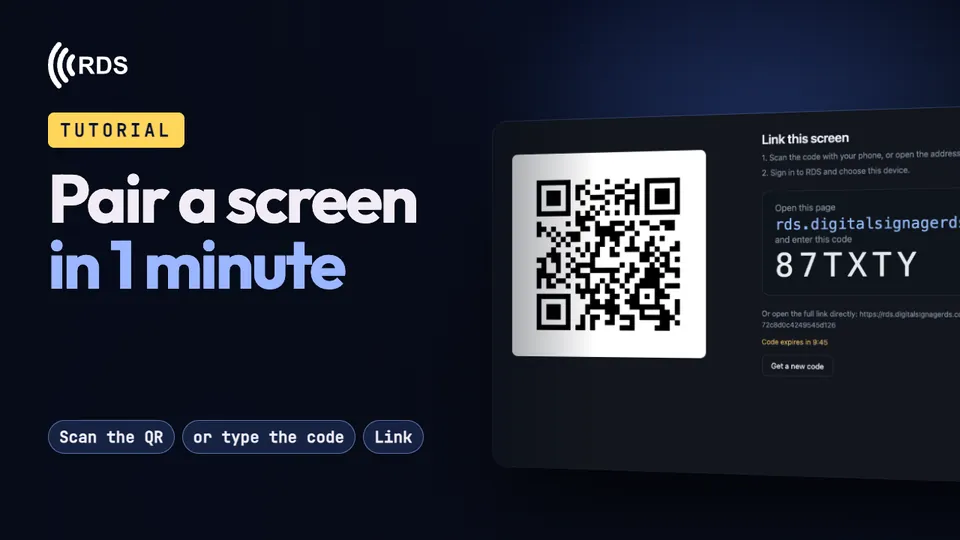
Pair a screen in 1 minute

Install the app, scan the QR code on the screen (or type the 6-character code) and give it a playlist.

Tutorial · 1:41

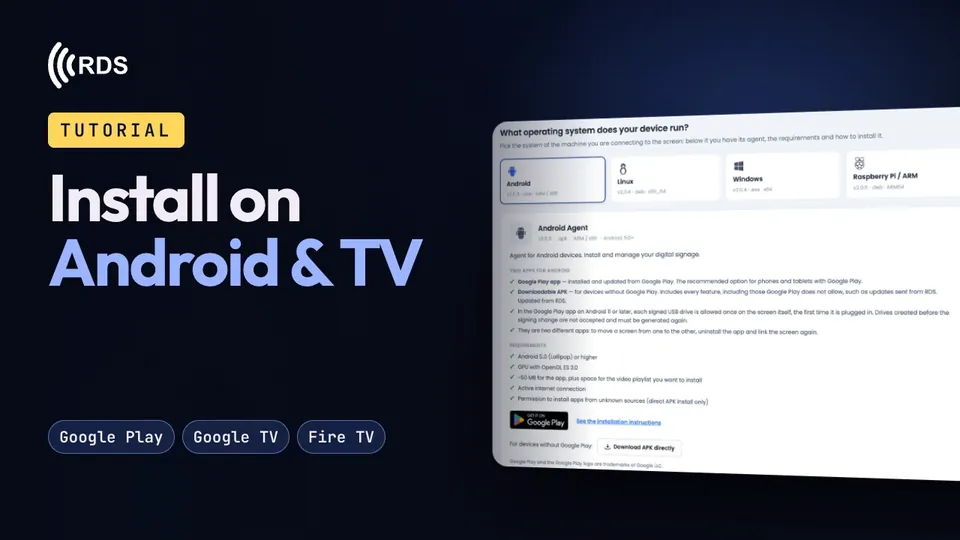
Install on Android, Google TV and Fire TV

Android phones, tablets and boxes, Google TV / Android TV and Fire TV sticks, and linking the screen to your account.

Tutorial · 1:15

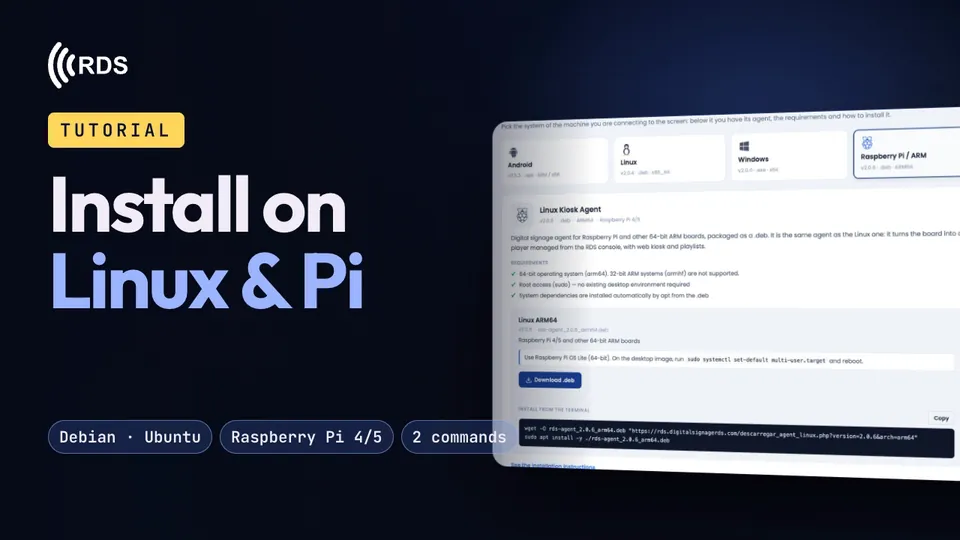
Install on Linux and Raspberry Pi

Turn a Linux PC or a Raspberry Pi into an RDS player with two commands.

Tutorial · 1:18

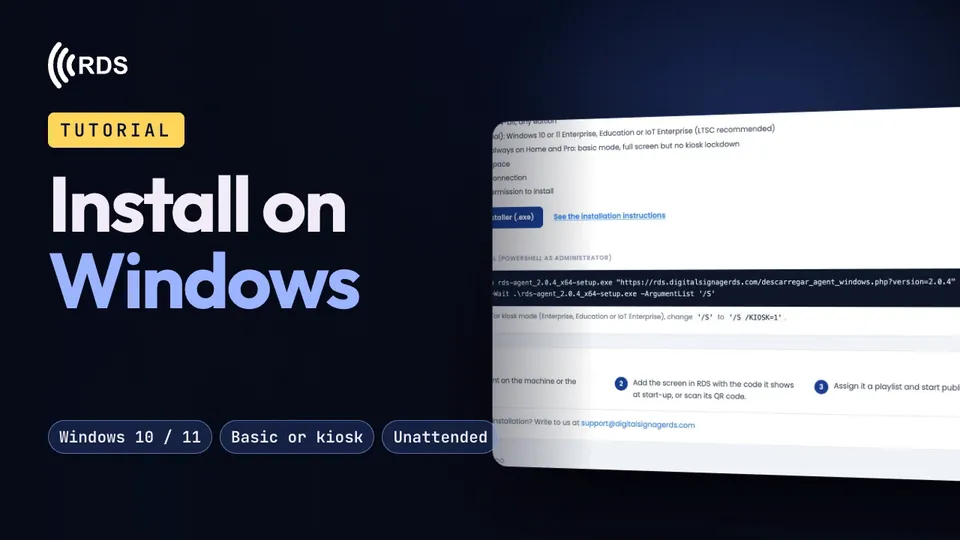
Install on Windows 10 and 11

In basic mode or as a locked-down kiosk, and linking the PC to your account.

Content

What your screens show, when, and what happens if the network drops.
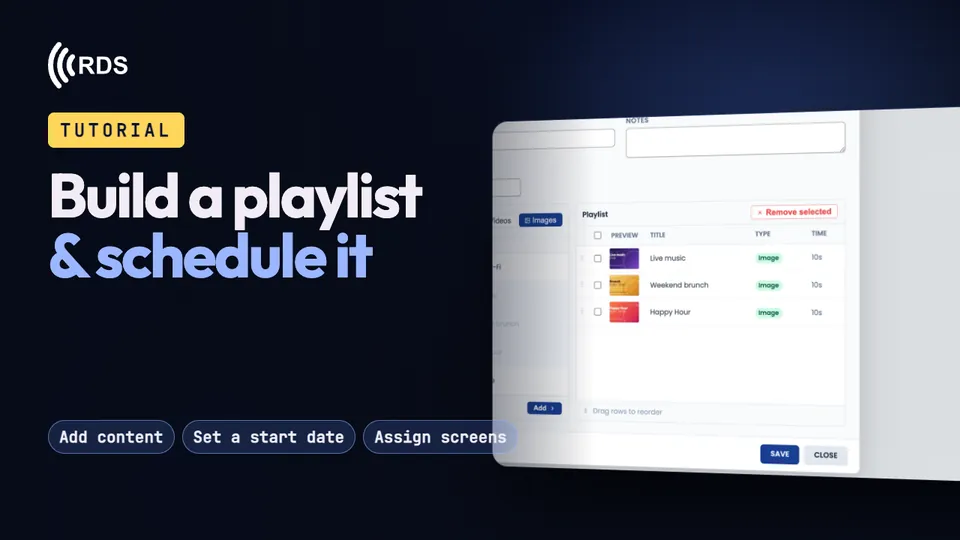
Tutorial · 0:59

Build a playlist and schedule it

Add images and videos, set how long each one stays on screen, schedule a start date and time, and assign it to your screens.
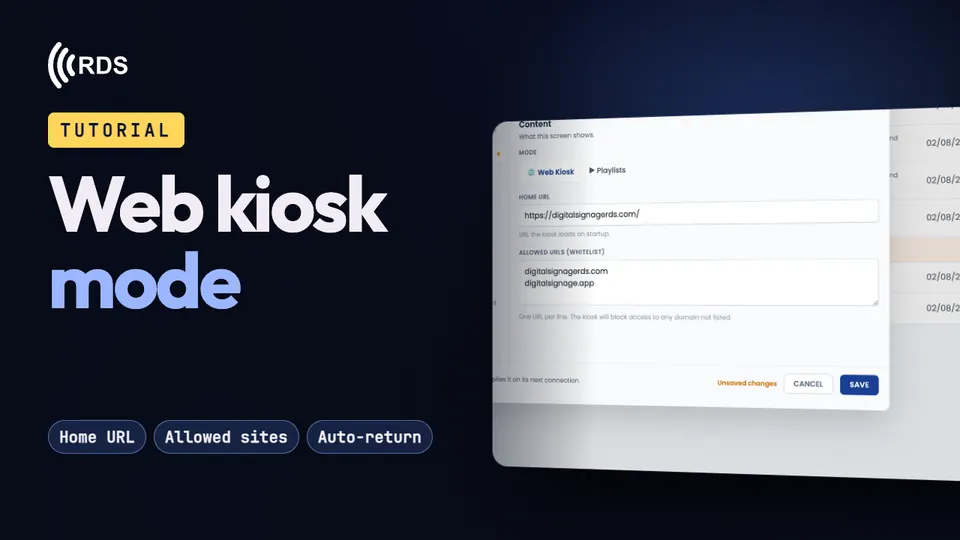
Tutorial · 1:02

Web kiosk mode

Your website or web app full screen, only the sites you allow, and back to your home page when nobody is using it.
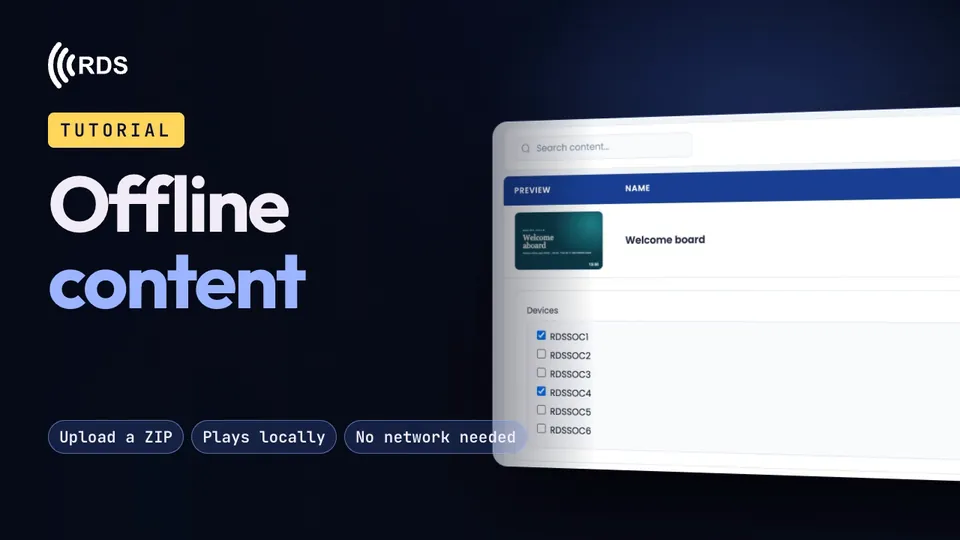
Tutorial · 1:15

Offline content

Upload a web page as a ZIP and your screens play it from their own storage when the internet goes down.
Manage screens

Watch, organise and tune your screens remotely, and keep your account secure.

Tutorial · 1:06

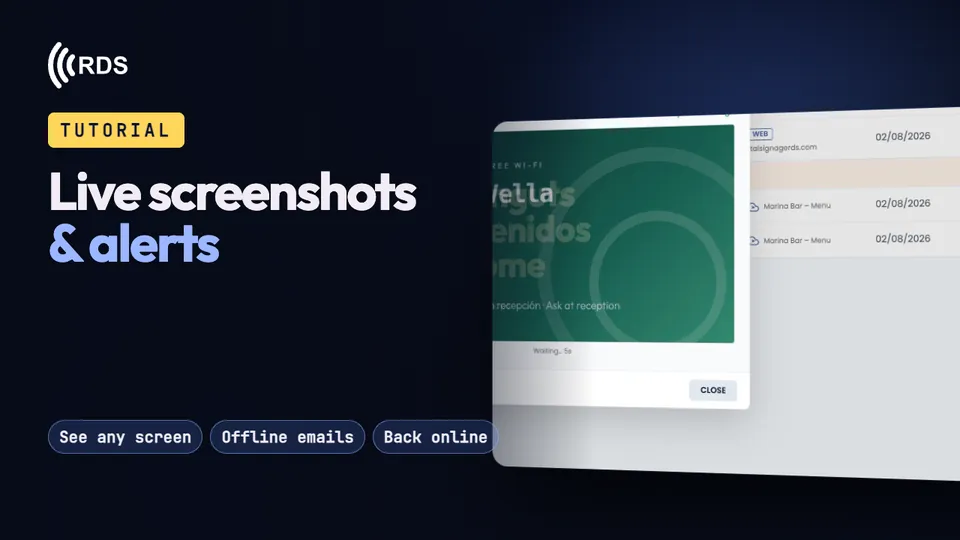
Live screenshots and alerts

See what each screen is showing and get an email when one stops connecting, and another when it is back.

Tutorial · 1:03

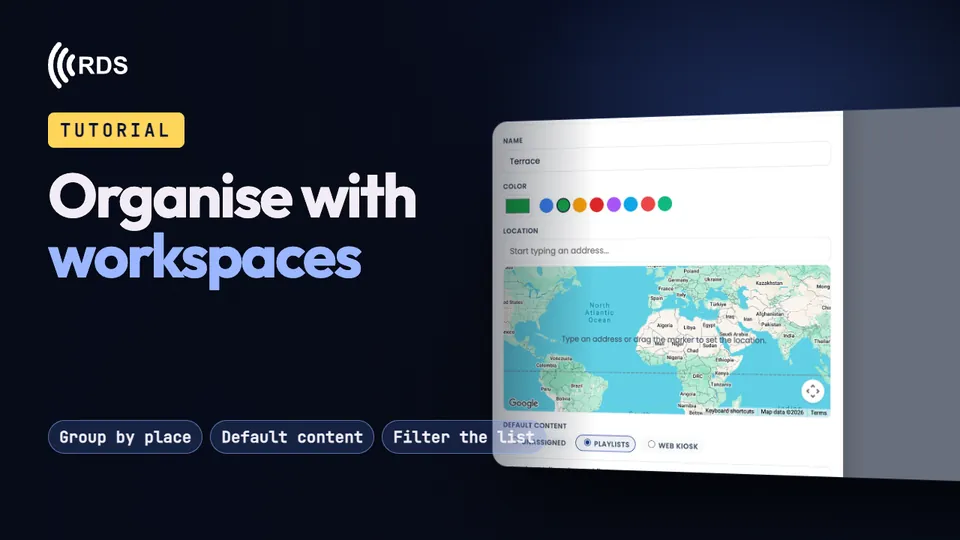
Organise with workspaces

Group screens by place, give each place default content, and filter the device list to one place at a time.

Tutorial · 1:22

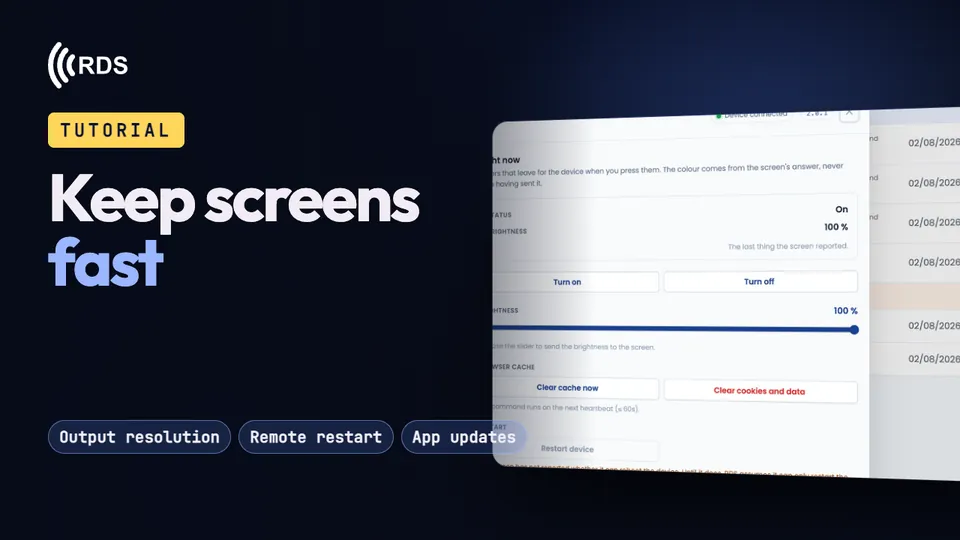
Keep screens fast

Lower the resolution so heavy content runs smoothly, and control power, brightness, cache, restarts and updates remotely.

Tutorial · 1:08

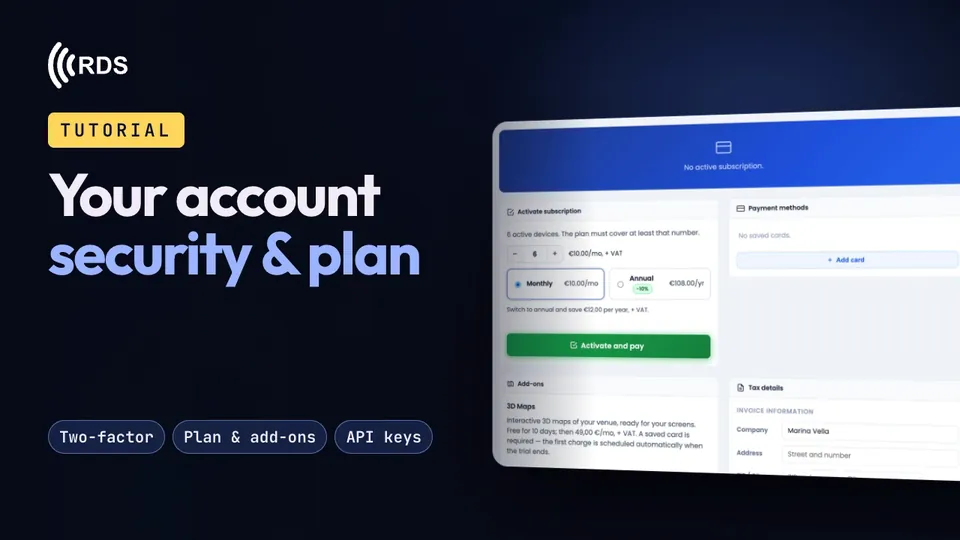
Your account: security and plan

Strong passwords, two-factor verification, a recovery email, your subscription and add-ons, and API keys.

Add-ons

3D Maps and Digital Menu, step by step. More: 3D Maps · Digital Menu.

Tutorial · 1:28

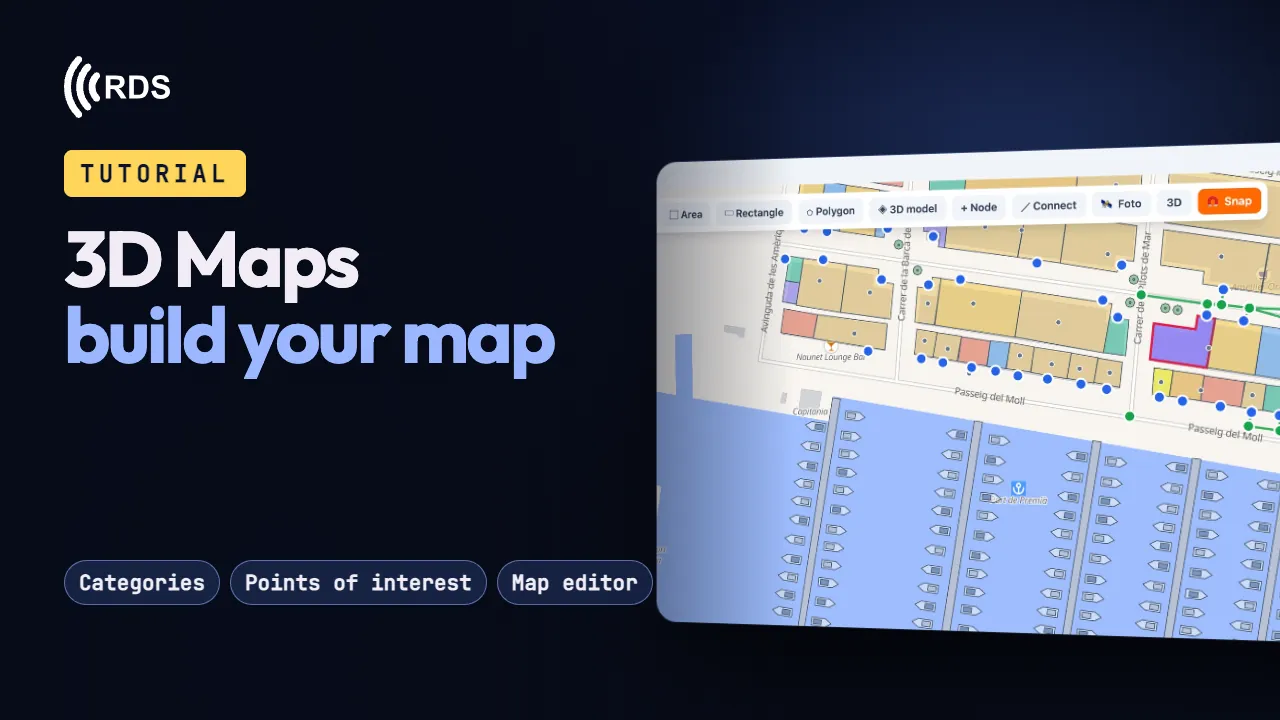
3D Maps: build your map

Categories, places in eight languages, the map editor and a “You are here” for each kiosk.

Tutorial · 1:23

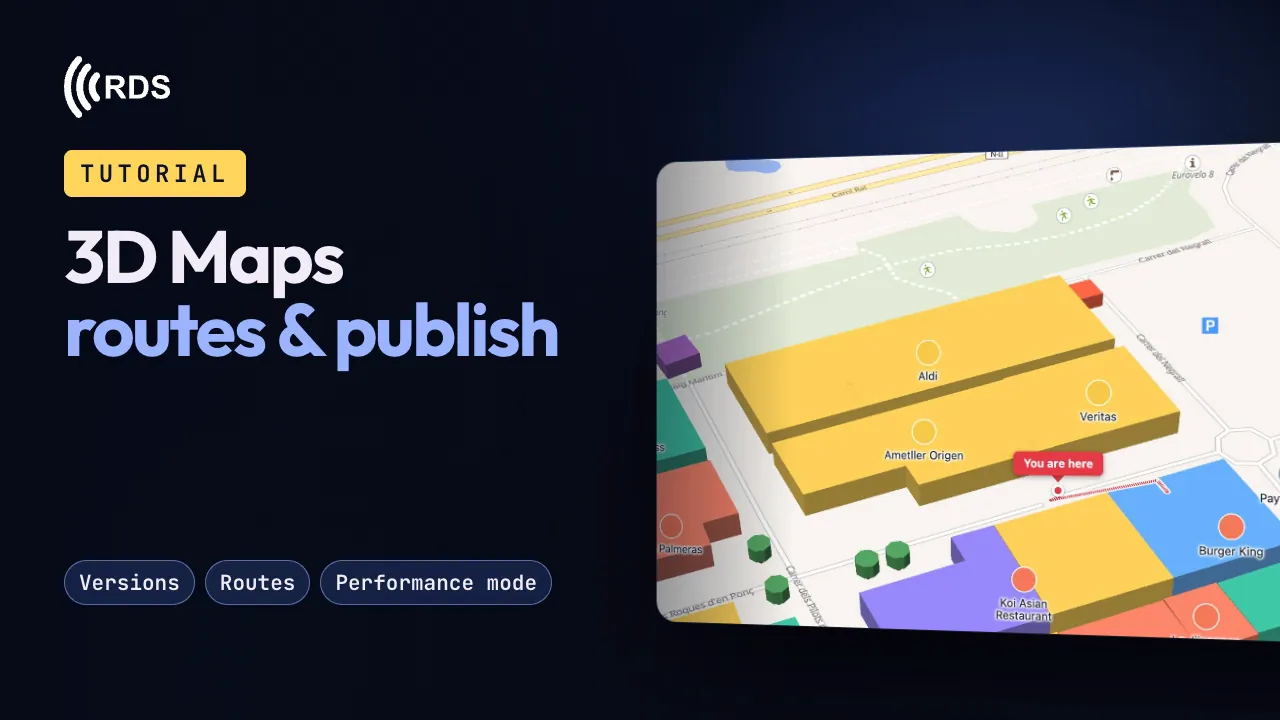
3D Maps: routes & publish

Versions, what visitors see, step-by-step routes, performance mode and putting it on a screen.

Tutorial · 1:09

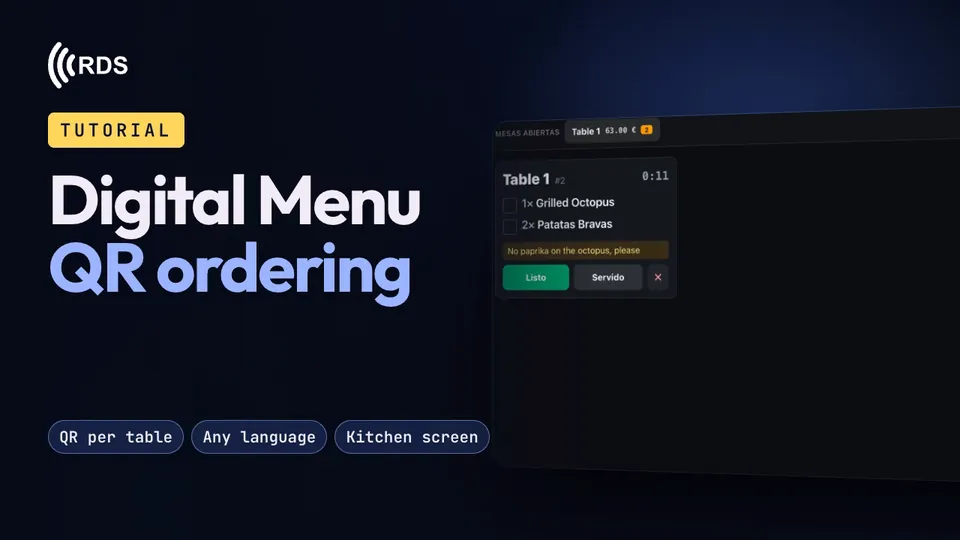
Digital Menu: QR ordering

A QR code on every table: guests order from their phone in their own language, and the order appears straight away on the kitchen screen.

Free tools

Free utilities for any screen, no sign-up. See all the tools →

Tutorial · 1:46

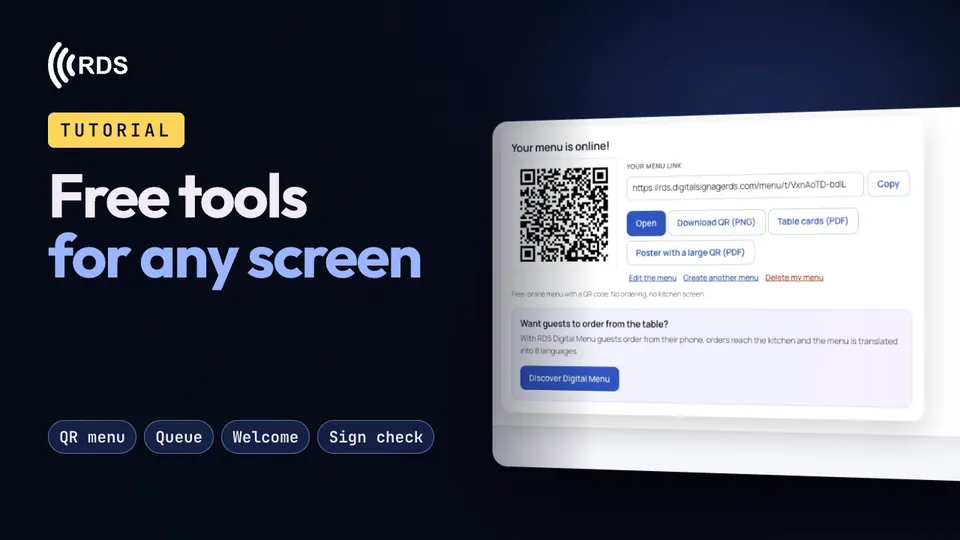
Free tools for any screen

An AI QR code menu from a photo, a queue display controlled from your phone, a welcome screen for rentals and a sign readability checker. No sign-up.

The videos load from YouTube, in privacy-enhanced mode, only when you press play. Cookie policy

Try it on your own screens.

30-day free trial, no card. If you prefer reading, the documentation walks through every feature step by step.

© 2026 RDS · digitalsignagerds.com Free tools · Privacy · Cookies